Last week we shipped the CLI and RSS feeds. The idea was simple: your tools should be able to read your paper feed, not just your browser.
That was step one. This is step two.
What shipped
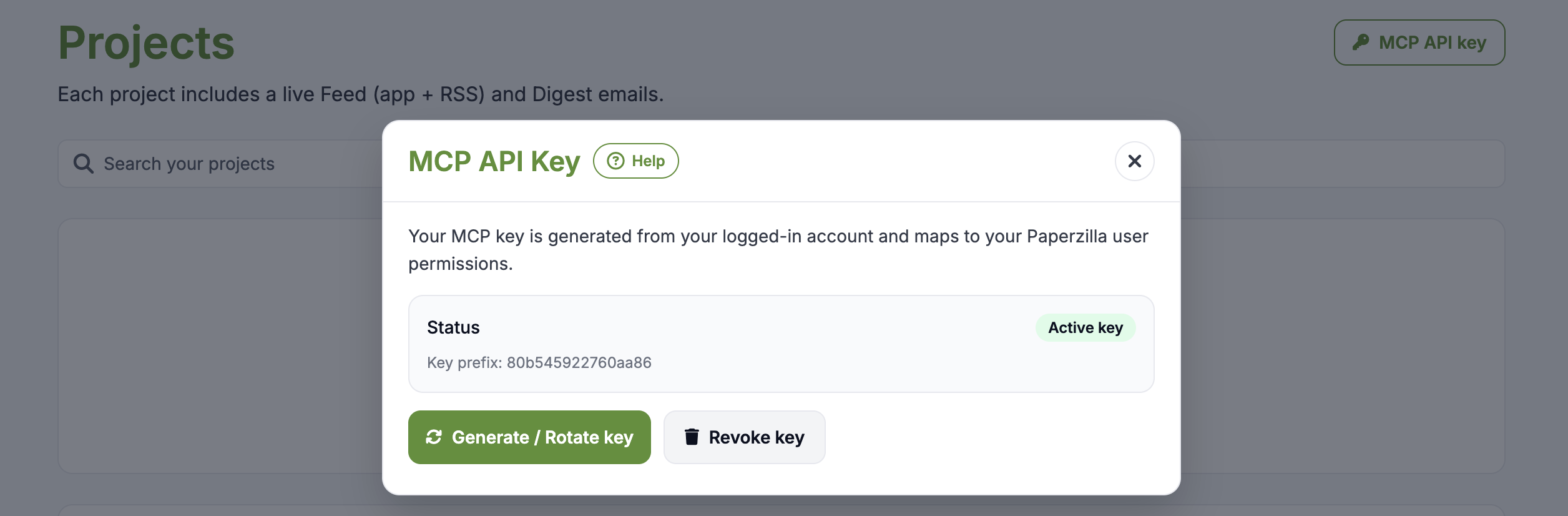
MCP server. Paperzilla now exposes a Model Context Protocol endpoint. If your agent speaks MCP, it can list your projects, pull your feed, filter by relevance — no wrapper code, no custom API client. Five tools, one authenticated endpoint: https://paperzilla.ai/api/mcp.
Docs portal. We launched docs.paperzilla.ai — a proper documentation site covering setup, projects, feeds, agent workflows, and the MCP integration. This didn't exist before. Previously you had inline help snippets and good luck.
llms.txt. The docs portal serves an llms.txt file at the root. Your agent can fetch the full documentation index in one request and understand how Paperzilla works without you copy-pasting setup guides into a prompt. Every page is also available as a plain markdown file — no HTML, no fluff, just the content. The docs are written for humans and machines.
Why MCP when we already have CLI
The CLI (pz) is great for scripts, cron jobs, and agents that work well with shell commands. Many do.
But if your workflow is LLM-native — a natural language pipeline where the model decides what to fetch and when — MCP is a better fit. The agent calls feed.get or projects.list directly through the protocol. No shell, no parsing, no glue code.
Different tool, different workflow. We support both.
The split
This clarifies how Paperzilla works across audiences:
For agents: CLI and MCP. Structured data, programmatic access, designed for automated consumption.
For humans: The web portal, email digests, RSS. Designed for reading.
For both: The docs portal. Readable by you, indexable by your agent via llms.txt.
What's next
- ChemRxiv is very close to beta. If you want to be the first to try it as a paper source, let me know.
Try it
Set up MCP: docs.paperzilla.ai/guides/mcp
Browse the docs: docs.paperzilla.ai
CLI still available: github.com/paperzilla-ai/pz
Questions? Email mark@paperzilla.ai.